3.2. Installation options
There are three options for installing the GT7 Lite.
1. Surface installation with wall bracket
This method uses a metal wall bracket (included with each terminal) to mount the terminal onto a wall or door frame. The entire terminal housing is visible after installation. For instructions see Surface installation with wall bracket.
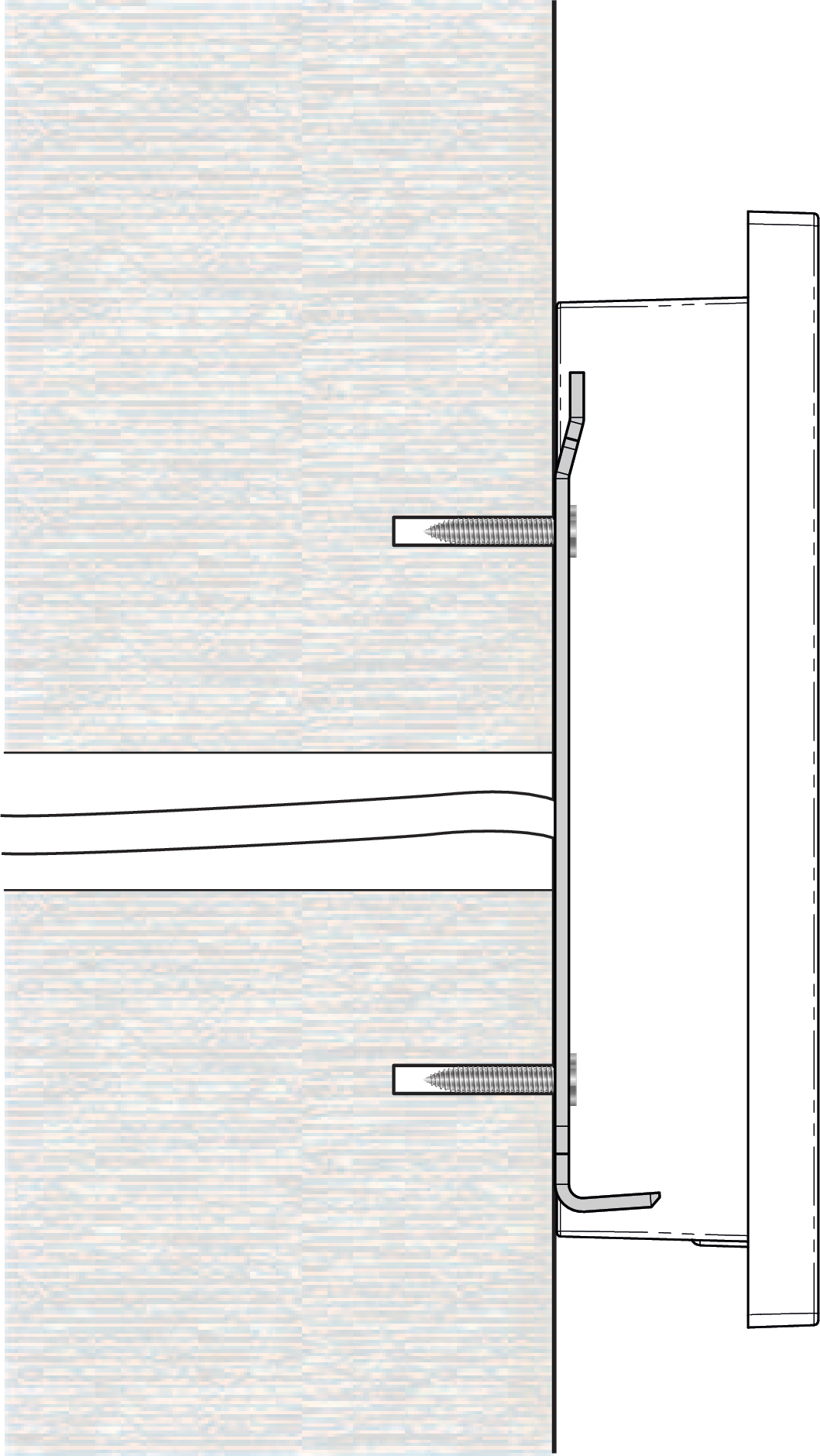 |
2. Surface installation with wall box
This method also uses the metal wall bracket but instead of attaching the bracket directly to the wall, the wall bracket is attached to a flush-mounted wall box. The entire terminal housing is visible after installation. For instructions see Surface installation with wall box.
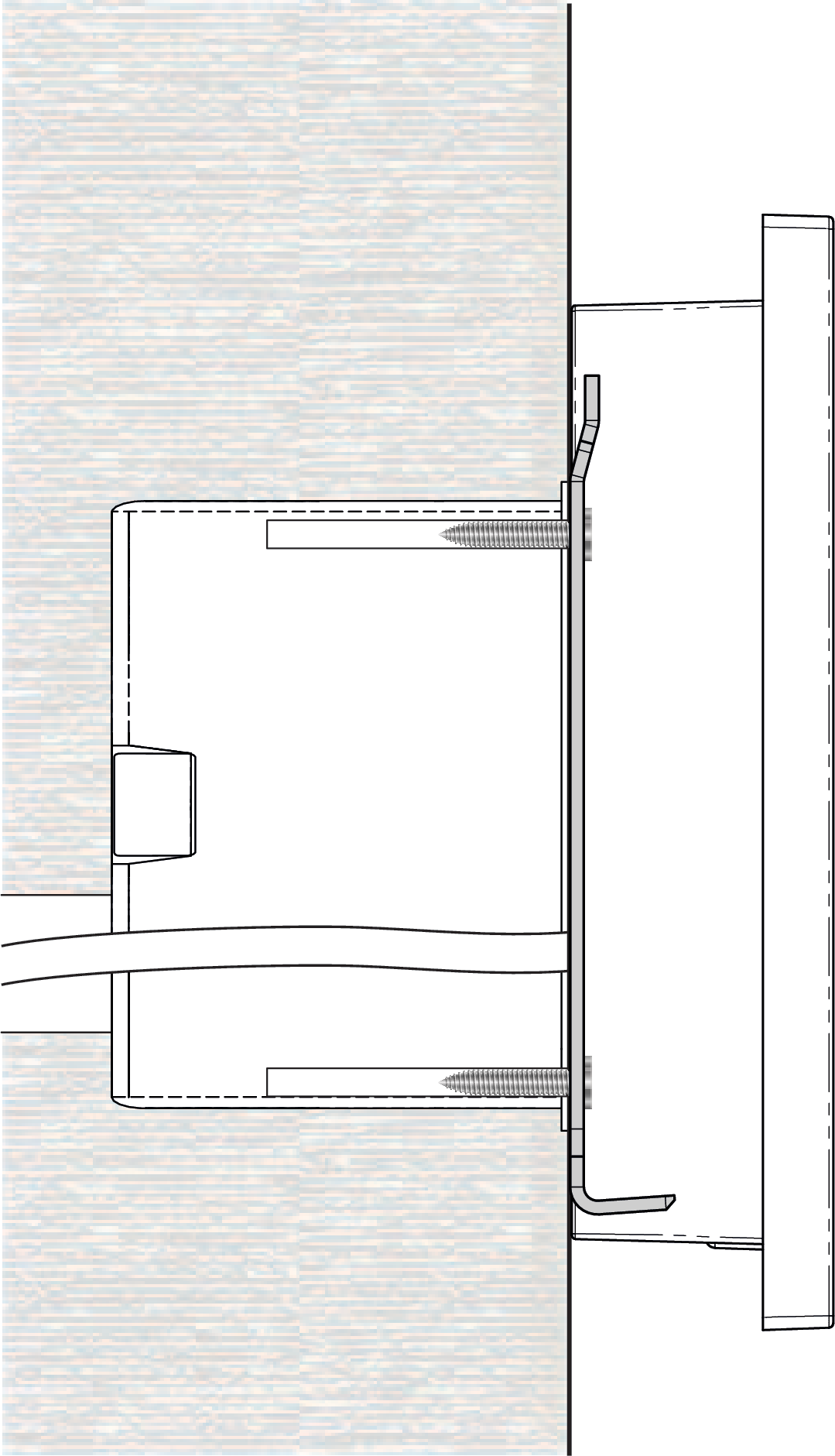 |
3. Semi-flush installation
A semi-flush installation allows the terminal housing to be installed into a desk or countertop or metal turnstile. After installation, only the front part (7.5 mm) of the terminal is visible. Four mounting clips are attached to the terminal housing that hold the terminal in the cutout. For instructions see Semi-flush installation.
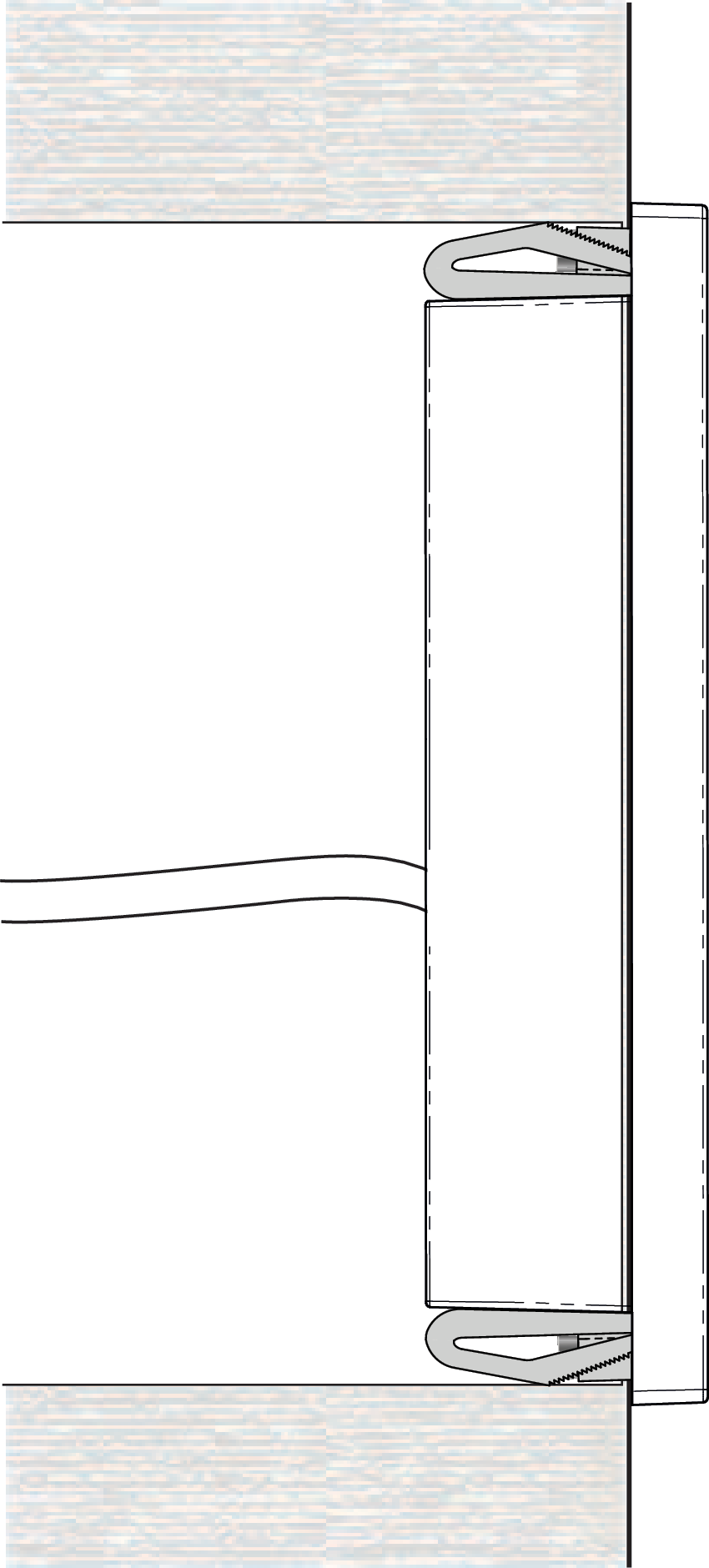 |