5.4.21. Device state
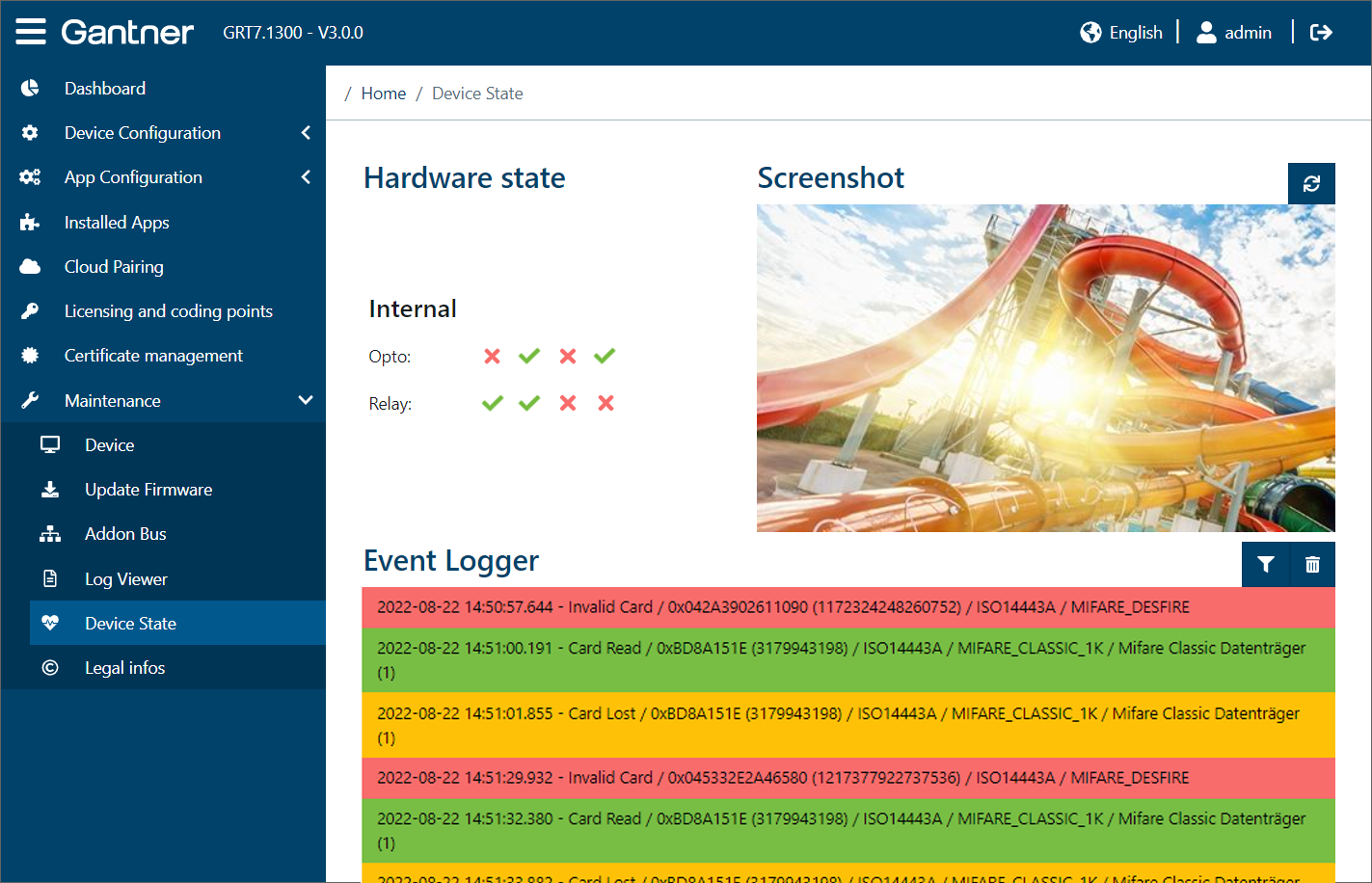
Hardware state
Shown here is the state of the relay outputs and optocoupler inputs of the device, which can be used to receive status information and/or for control. A green tick indicates that the input/output is being used. The number of inputs and outputs available depends on the type of device (see technical data).
Screenshot
This image shows a screenshot of the currently displayed screen on the device display.
To show the screen that is currently displayed on the device, click the refresh
button.↪ The refresh button turns green and the screen is automatically updated every second.
When the live update shall be stopped, click again on the button.
↪ The refresh button turns blue and the image shows the screen, that was displayed when the button was clicked. This image will not be updates until the refresh button is activated again.
Event logger
When an event occurs at the device (e.g., data carrier read) or when the optocoupler input state or one of the relay states changes, a corresponding entry is displayed.
The live events occurring at the device are listed here. To clear the list, click on the trash can icon.
The filter icon displays all event types. By clicking on an event you can switch between active (green) and inactive (red). Only the active events are displayed in the list.