5.4.12. Barcode interface
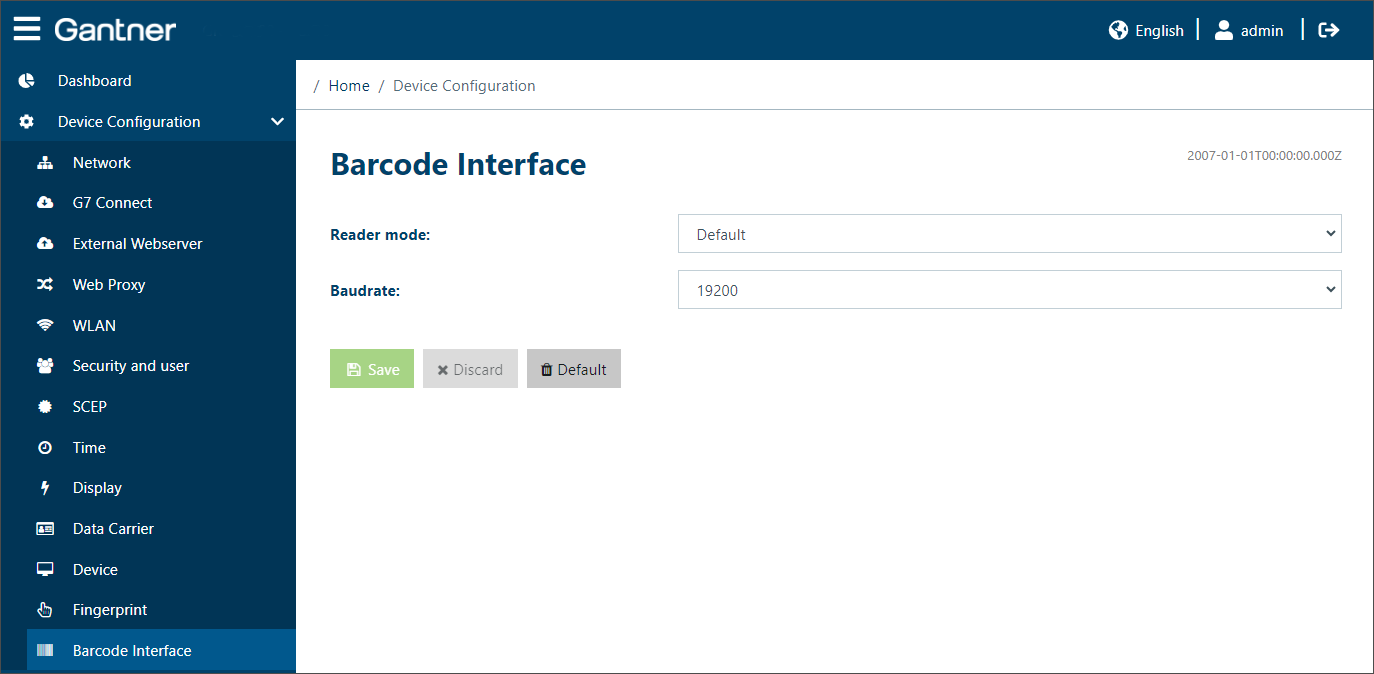
These settings are relevant when a barcode reader is being used with the GT7.1300.
Reader mode: Select the type of reader or interface from the menu.
Default: General/undefined barcode reader.
GBS7.1xxx – Signals reader controlled: For the GBS7.1xxx barcode readers from Gantner. With this setting, the signaling on the barcode reader is automatically set as soon as a barcode is read.
GBS7.1xxx – Signals host controlled: For the GBS7.1xxx barcode readers from Gantner. With this setting, the signaling on the barcode reader is not set until the approval or rejection is made by the management software.
GBS7.1xxx - Signals host controlled, USB: For the GBS7.1xxx barcode readers from Gantner, which are connected via USB. With this setting the signaling on the barcode reader is not set until the approval or rejection is made by the management software.