5.5. Configuration via G7 Connect
G7 Connect is Gantner's cloud service for managing and controlling all of an organization's Gantner G7 devices in a simple and convenient way. The system administrator and operators log in to G7 Connect via their personal accounts to configure the device settings.
It is also possible to create subordinate areas (e.g., different locations of a fitness chain) by organizing the locations into a hierarchical structure. The devices can then be assigned to the applicable area in the structure. An administrator can also create projects and assign each device to a project.
Note
A detailed description of how to create an account as well as instructions on using G7 Connect can be found in the G7 Connect manual.
Click on the following link to open G7 Connect: https://gantner.cloud
↪ The login window for G7 Connect opens in your default web browser.
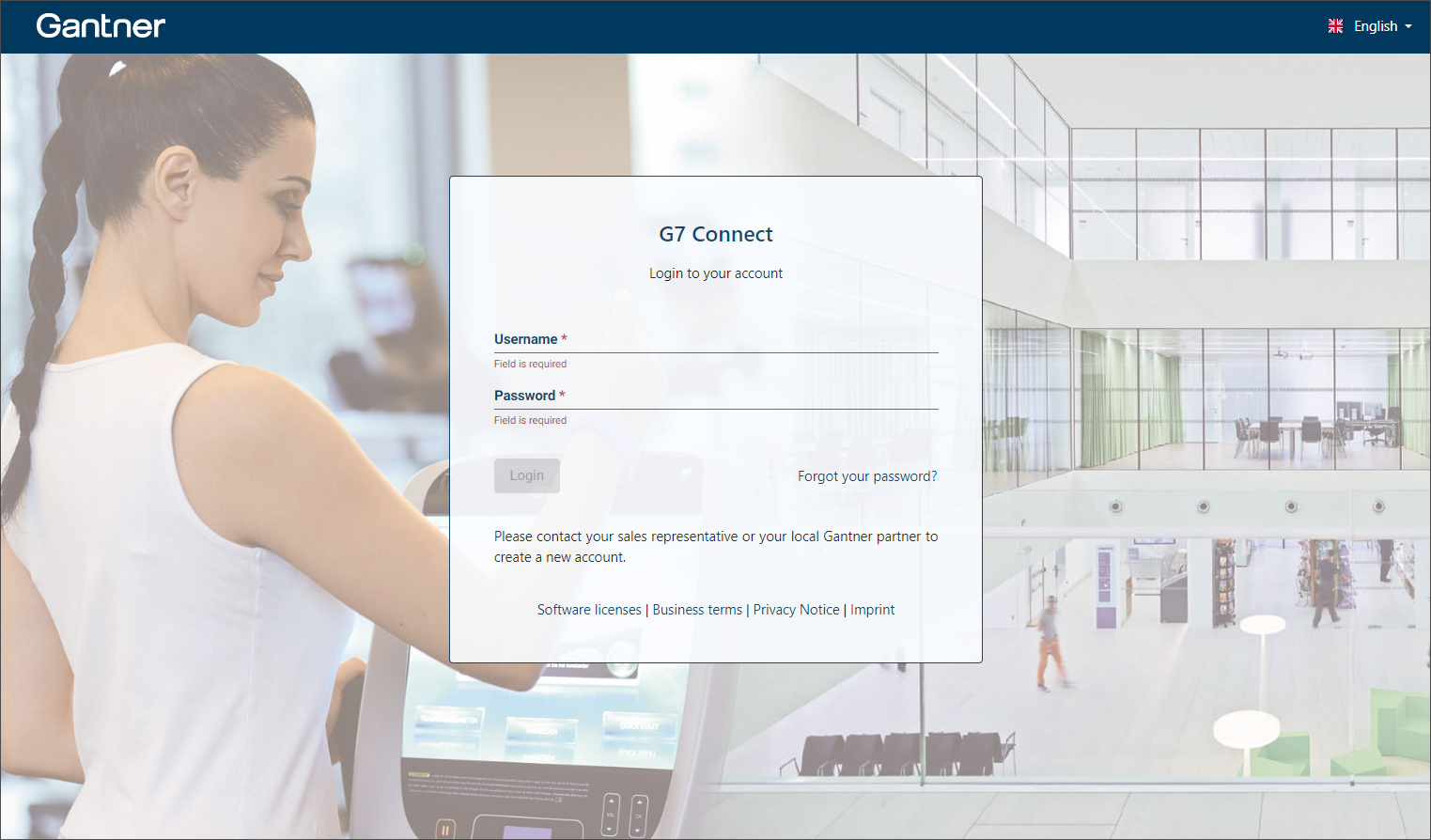
Enter your Username and the corresponding Password. Next click Login.
↪ Your personal dashboard is displayed.