5.4.20. Log viewer
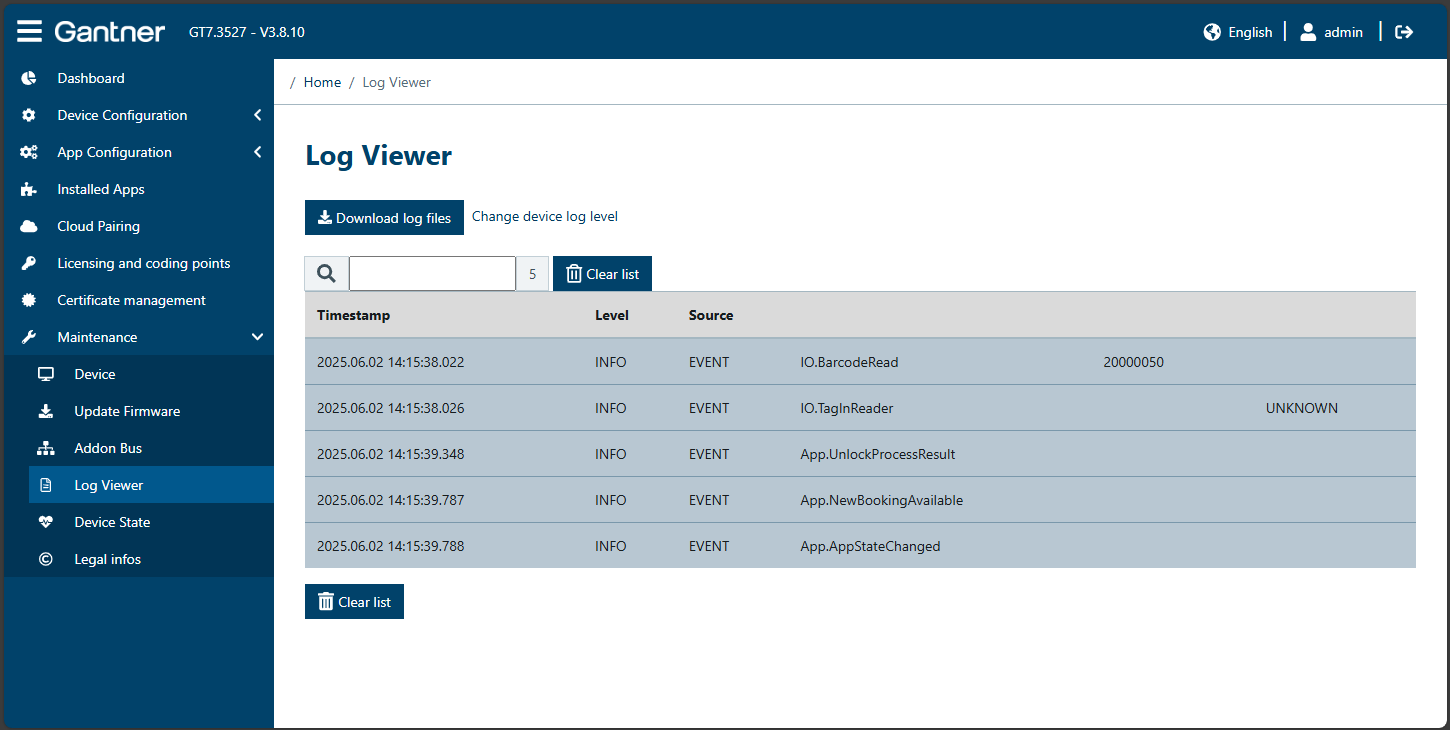
All events and error messages are stored in the GT7 Lite as log files. The stored log files can be loaded from the device to the PC (file format = .csv). If the Log Viewer page is open, all currently occurring events are displayed live. If you close the Log Viewer page and then reopen it, the display of live events is restarted. However, the events are always recorded and can be downloaded at any time.
To load the log files from the device, click on Download log files.
↪ The log files from the previous 8 days are transferred to a compressed file (GZ) and automatically downloaded to the Downloads folder of your web browser.
Click on Change device log level to open the device settings. Here you can change the log level, which defines the types of events that are displayed in the live view (e.g., all info + warnings or only errors, etc.). For more information see "Device configuration".
If you want to delete the displayed log entries to start a fresh session, click on Clear list.