5.3.2. Installed apps
On the Installed Apps page, all apps that have been installed in the GT7 Lite are displayed. Information, e.g., which app version is installed and the required license points, is provided here.
Note
New apps can be uploaded to the terminal via G7 Connect or the web interface.
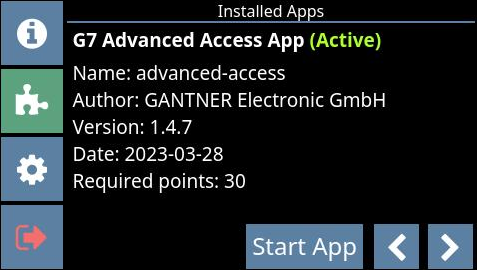
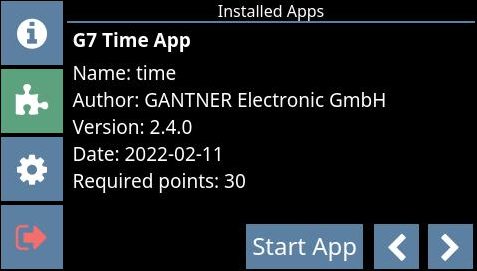
To scroll through each installed app, press the arrow buttons in the bottom right of the display.
To begin using an app, press the Start App button.
↪ The app is loaded (this takes a few seconds), and the default page of the app is displayed after restarting.