5.3.4. Start active app / Reboot device
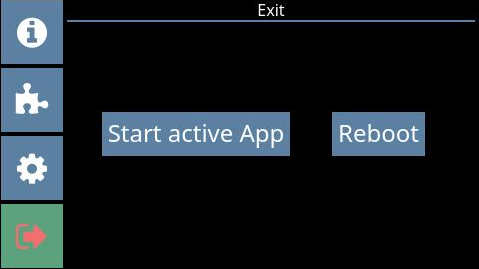 |
To exit the configuration menu, press the exit icon at the bottom left of the display.
Press Start active App to start the last active app.
↪ The active app is loaded and after a few seconds the app's home screen is displayed.
Alternatively, press the Reboot button if you would like to restart the terminal.
↪ The terminal restarts, and the last active app is displayed.