5.3. Configuration via the terminal
Basic settings such as the IP address and DHCP address, etc., can be viewed and configured directly on the GT7 Lite via the configuration menu. To open the configuration menu, proceed as follows:
Write a large M on the touchscreen with your finger without removing it.
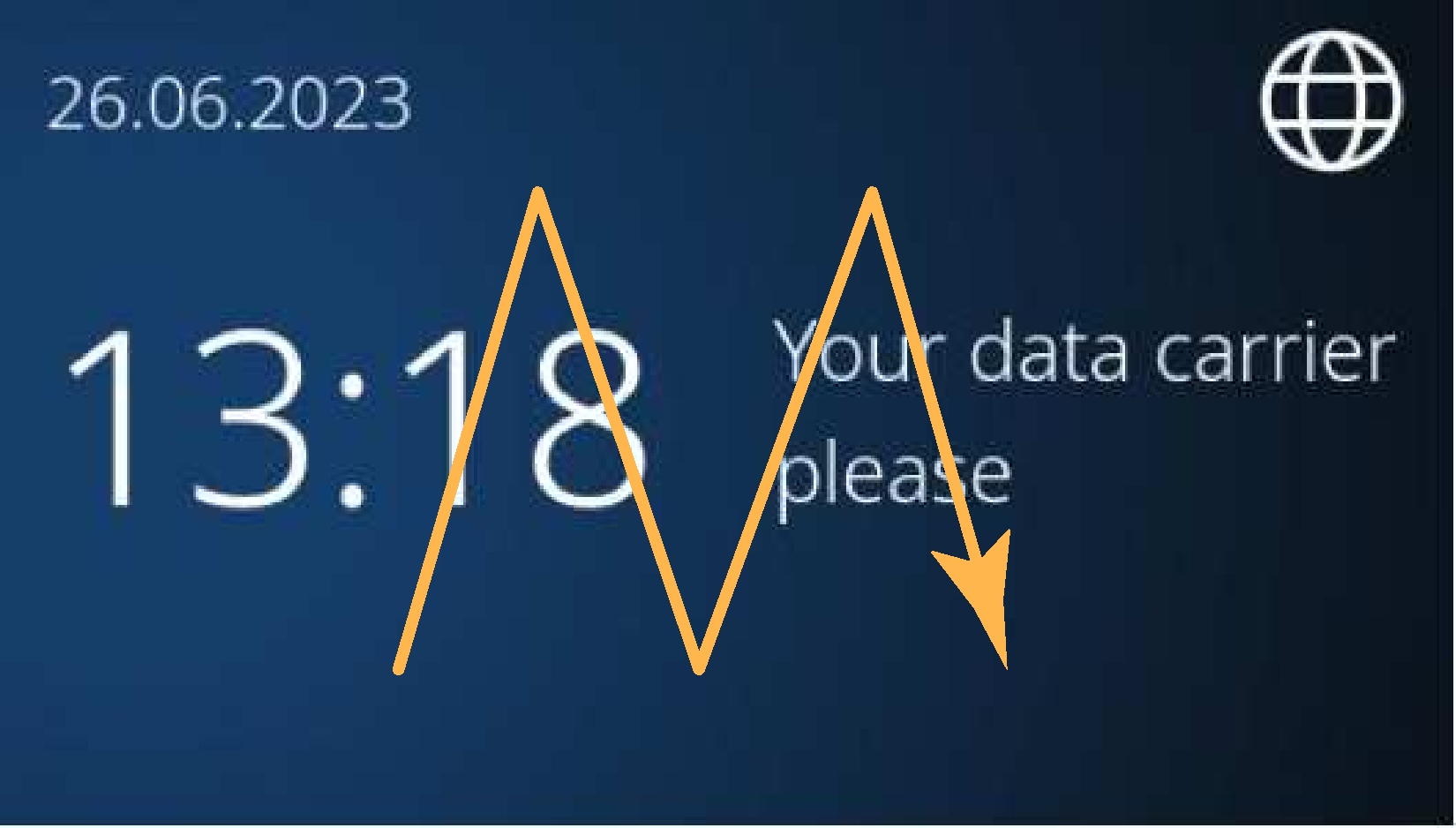
↪ A keypad for PIN entry is displayed.
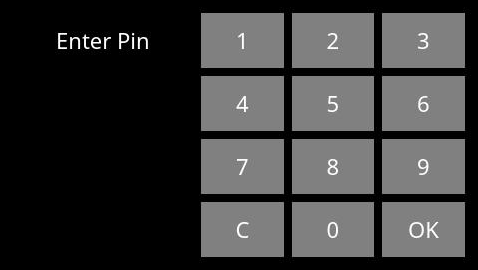
Enter the PIN code 0815, and then press OK.
Notice
For security reasons, change the default PIN code to a secret code. This can be done via the Device Configuration settings of the web interface.
After entering the PIN code, the configuration menu is displayed.
Via the icons to the left, you can select the desired information or configuration page.
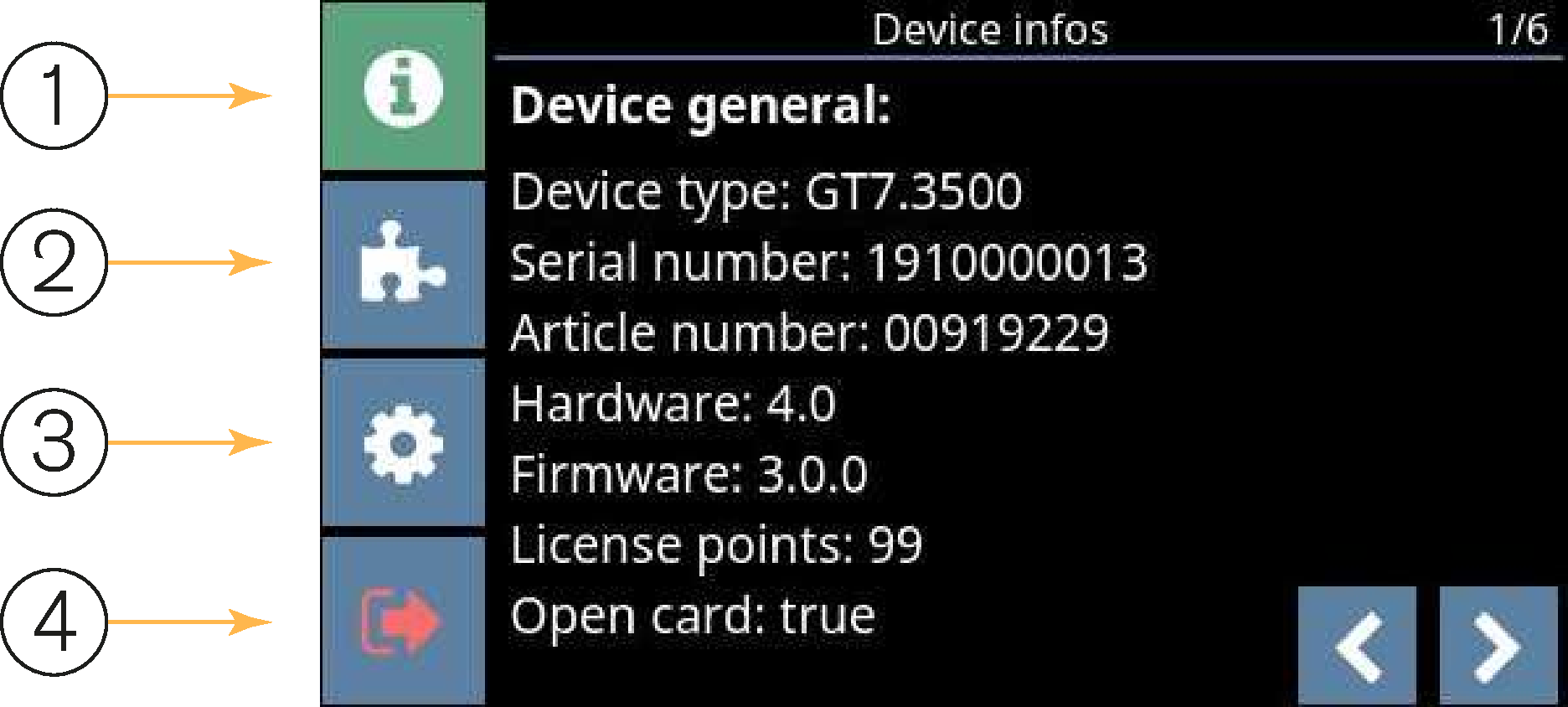
1 ... Display of general device settings
2 ... Display and selection of installed apps
3 ... Configure device settings
4 ... Start active app or restart device
Each configuration page has sub-pages (page displayed top right). Use the arrow buttons in the lower-right corner of the screen to scroll through the sub-pages.