6. User operation
Identification at the GT7.3x27 is achieved using 1D barcodes (e.g EAN code), 2D barcodes (e.g. QR code printed on a mobile phone), or with contactless RFID data carriers. To use a terminal and gain access, the user must have a valid RFID data carrier, a valid barcode ticket or QR code. The data carrier must use the same RFID technology supported by the respective terminal and the barcode or QR code must comply with the technical specifications (refer to Technical data).
Operation
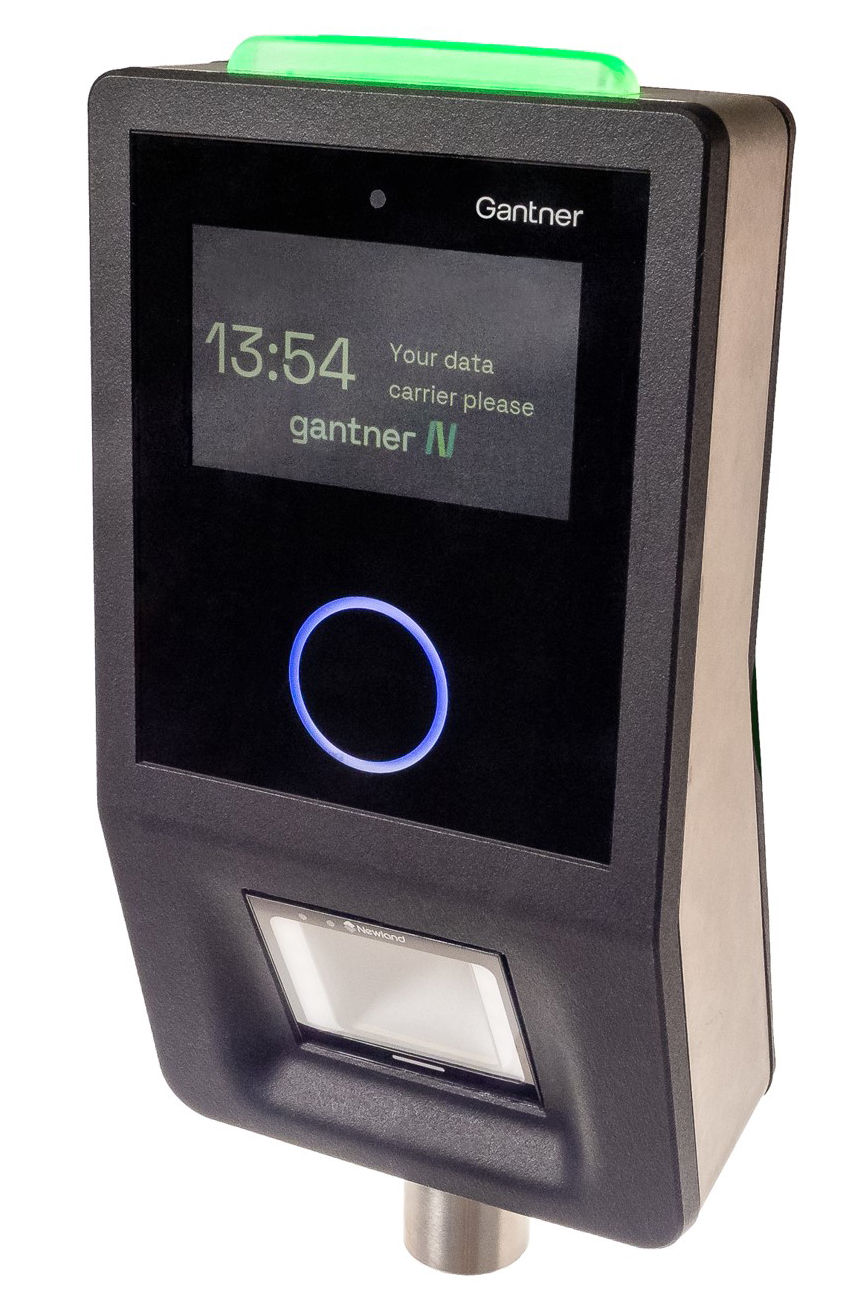
In standard operating mode, the GT7.3x27 displays a message that invites the user to read their data carrier. The RFID scan field (LED ring) is blue and the controlled door or turnstile is locked.
 |
Note
The display language and the texts used can be configured in the settings (go to App Configuration > Display Texts in the web interface). The color of the LED ring can also be defined on the App Configuration > Design page.
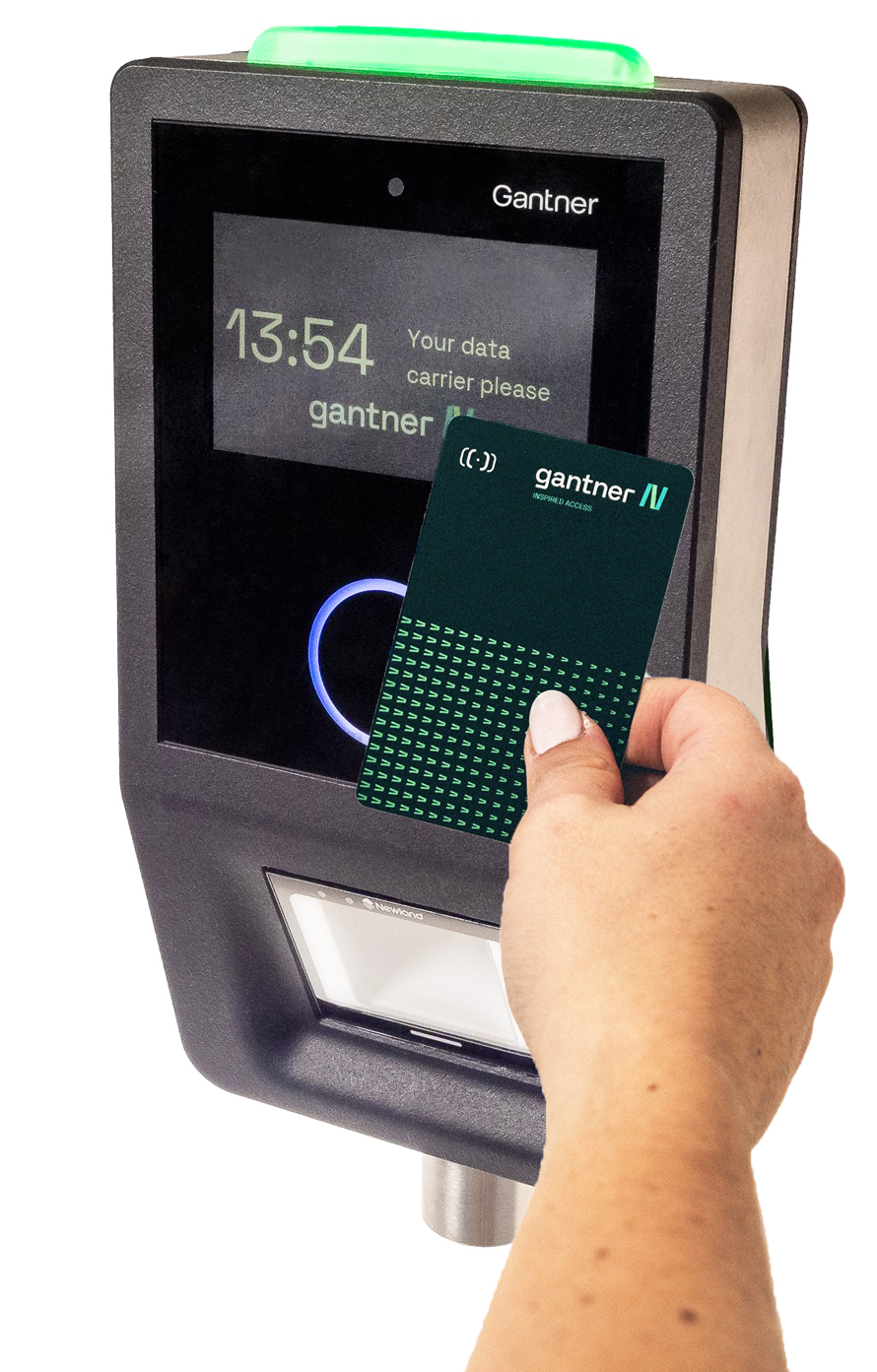
To gain access to a restricted area, hold your data carrier steadily in front of the illuminated LED ring (3). Do not remove the data carrier too early.
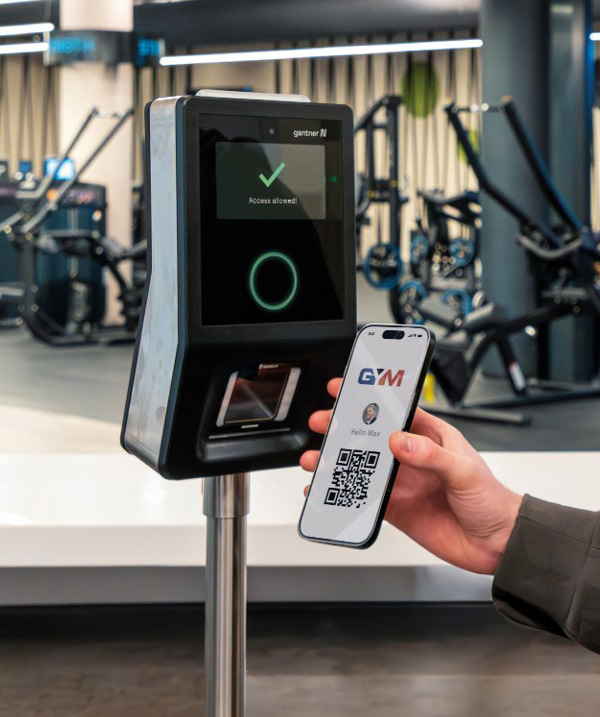
When a barcode or QR code is being used for identification, the barcode reader beneath the LED ring is used. An RFID data carrier is not required in this case.
Hold the barcode or QR code facing the barcode reader. The LEDs on either side of the reader will illuminate when the reader senses movement in front of it.
↪ If the identification media is valid, the terminal sends the data carrier information to the host for evaluation.
↪ When access to the restricted area is granted, the terminal activates the applicable relay and unlocks the door/turnstile for the configured time.
↪ A message is displayed on the screen to indicate whether access is granted or not.
↪ Additionally, the status LED and the LED ring illuminate green (access allowed) or red (access denied) with one (access allowed) or two (access denied) acoustic signals emitted. The color of the LED ring and status LED change accordingly to indicate different status and tariff information.
↪ If the data carrier is invalid, access is automatically denied without contacting the host.