5.5. Configuration via G7 Connect
Note
For detailed information on the operation and how to start using G7 Connect, refer to the G7 Connect user manual. The manual is available to download from the Gantner website (login required).
G7 Connect is Gantner's web platform that provides a clear, user-friendly interface for managing projects that include Gantner's Generation 7 devices. You can access G7 Connect via any common web browser such as Chrome or Firefox. Users are required to log in with a username and password to begin using G7 Connect and after doing so, the various users and projects defined in G7 Connect can be viewed and configured.
A detailed view is provided on the Dashboard page of each project that displays information on the device licenses, cloud packages, used apps, app versions, and statistics from the current app.
The configuration of the GT7.3x27 using G7 Connect is analogous to the direct configuration via web interface. To begin using G7 Connect, you must register with Gantner (if you are the first user within your organization) or be invited from a registered user from your organization.
After activating your account, you can log in to G7 Connect as follows:
Open a web browser and enter the following link: https://gantner.cloud
↪ The login window for G7 Connect is displayed.
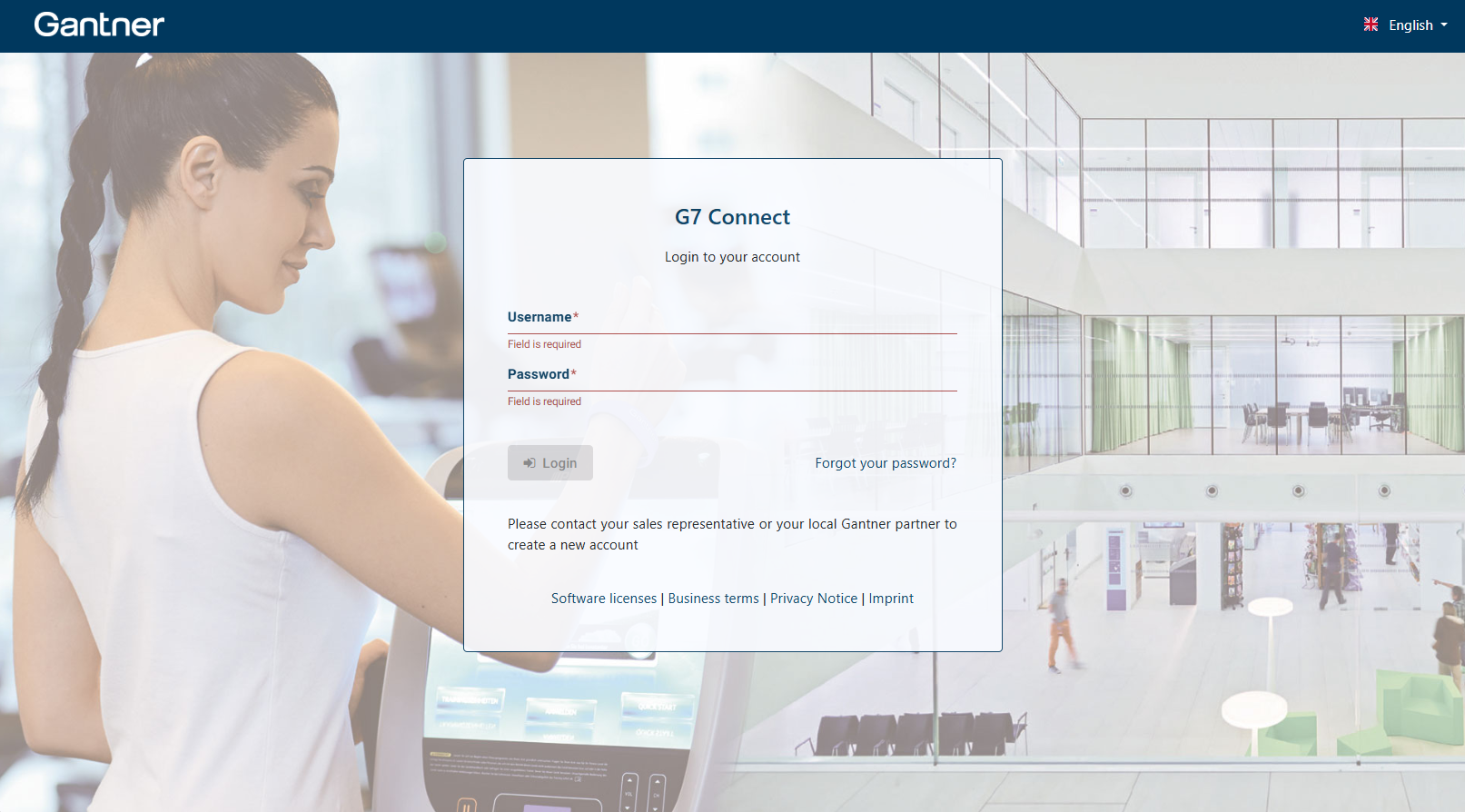
Enter your username and password and then click on Login.
↪ Your personal dashboard is displayed.