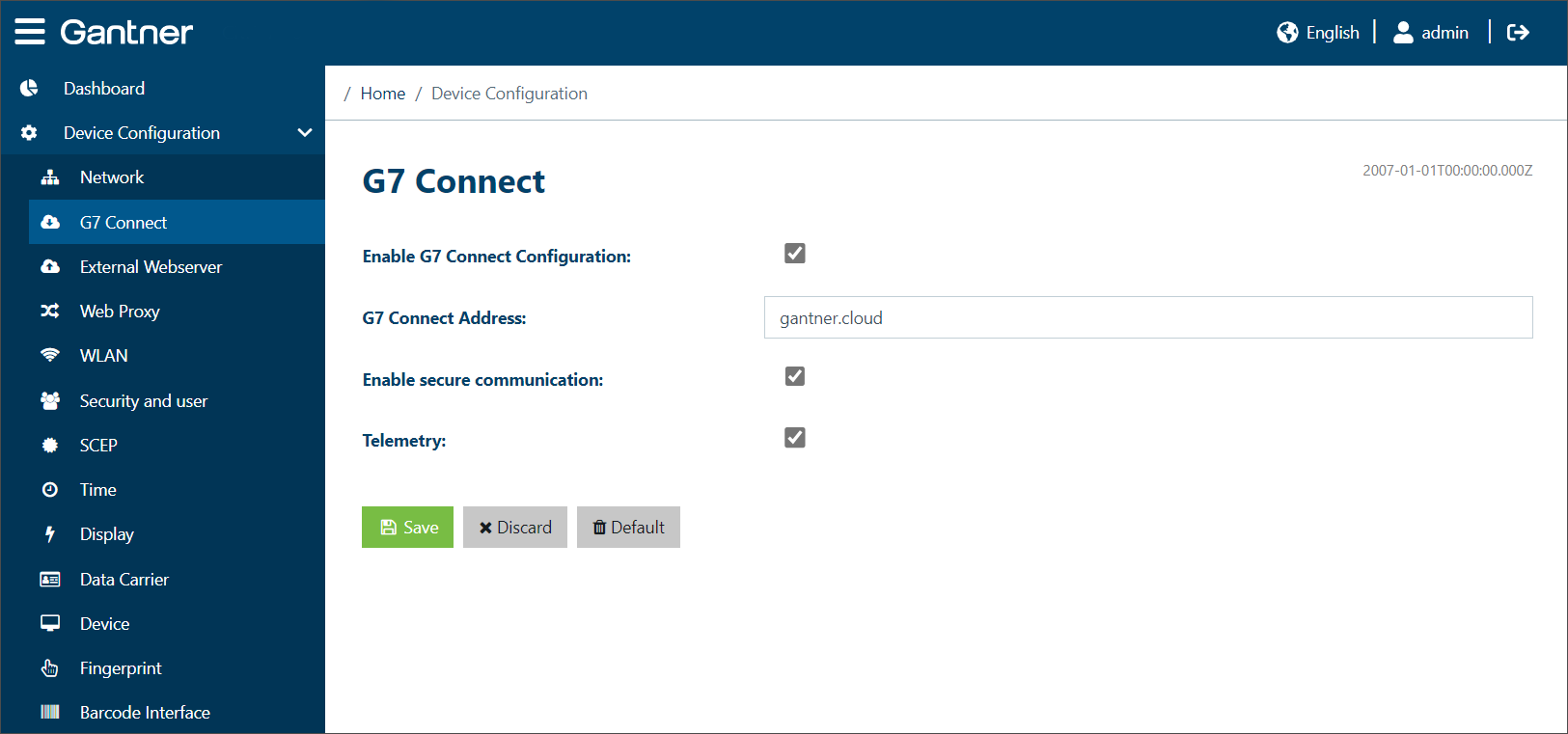
The settings for the device's connection to G7 Connect are configured here.
Enable G7 Connect Configuration: Enable this option if you want to use the configuration set via G7 Connect for the GT7.3x27.
G7 Connect Address: Enter the address of G7 Connect here (default = gantner.cloud).
Enable secure communication: Select this option to encrypt the communication using TLS.
Telemetry: Select this option if you want to send telemetry data to G7 Connect. This data does not contain any personal data (see the terms and conditions of G7 Connect for more information).