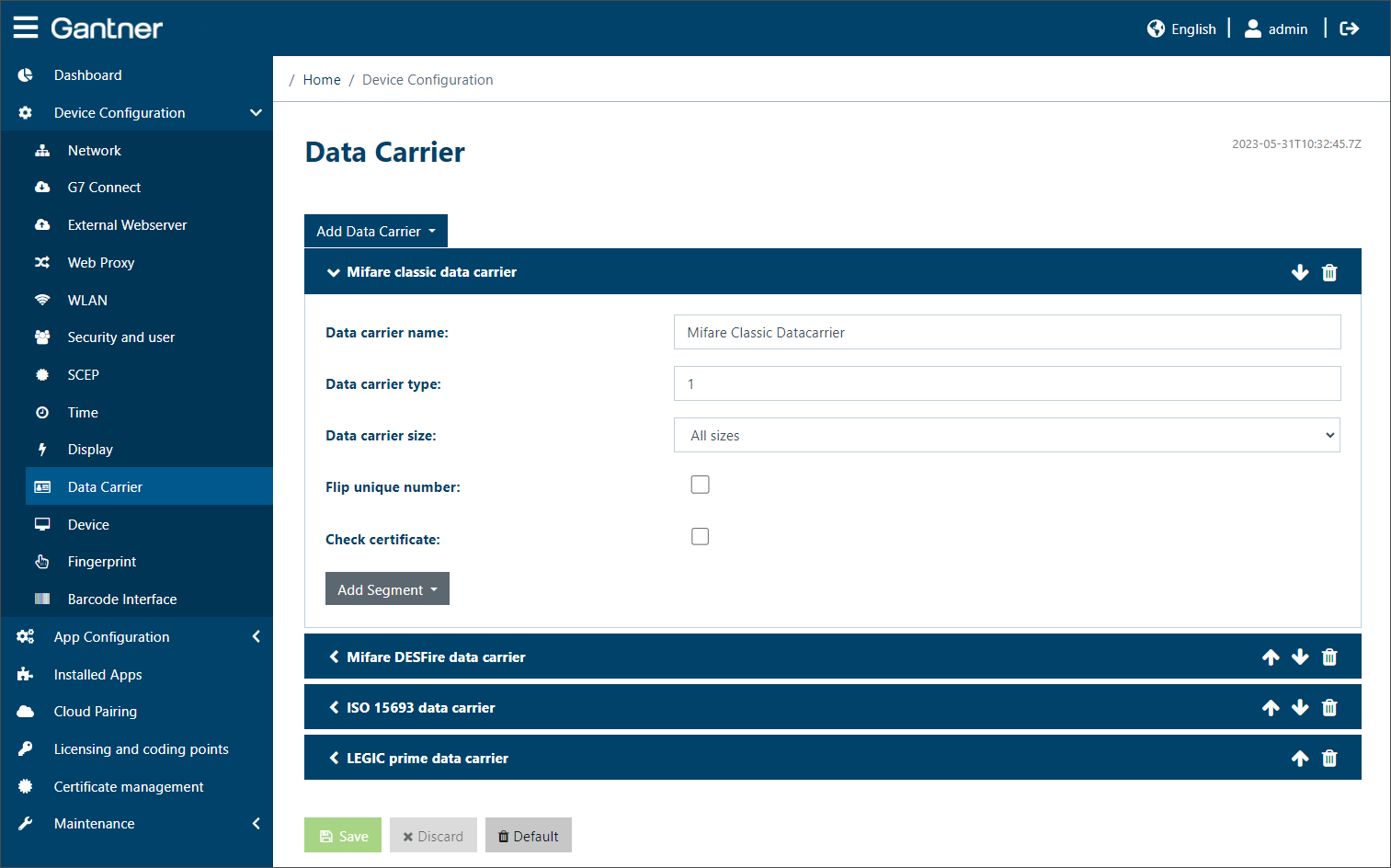
The settings for the different types of data carrier technologies that will be used with the GT7.3x27 are configured here. These settings must be set correctly so that the data carriers can be used, i.e., read by the device.
Multiple data carrier types can be configured The settings for each data carrier type differ depending on the type of technology being used.
Add data carrier: To configure a new data carrier type, click on this field and select the desired type from the list.
Delete data carrier: You can delete an existing data carrier type or a segment in the data carrier via the trash can icons on the right.
Note
Please speak to your Gantner representitative if you have any questions regarding the settings.