5.18. Backup the eLoxx One database
The backup function allows to save all data in the eLoxx One database in an archive (ZIP file). This includes user data, locker configuration and locker groups, authorization assignments, network configuratoin, device configuration and so on.
It is recommended to make a backup after each change in the eLoxx One software.
To make a backup, follow these steps:
Open the Backup site with click on the menu option Backup.
↪ On this site you see the amount of data records for each data category like users, lockers configurations etc.
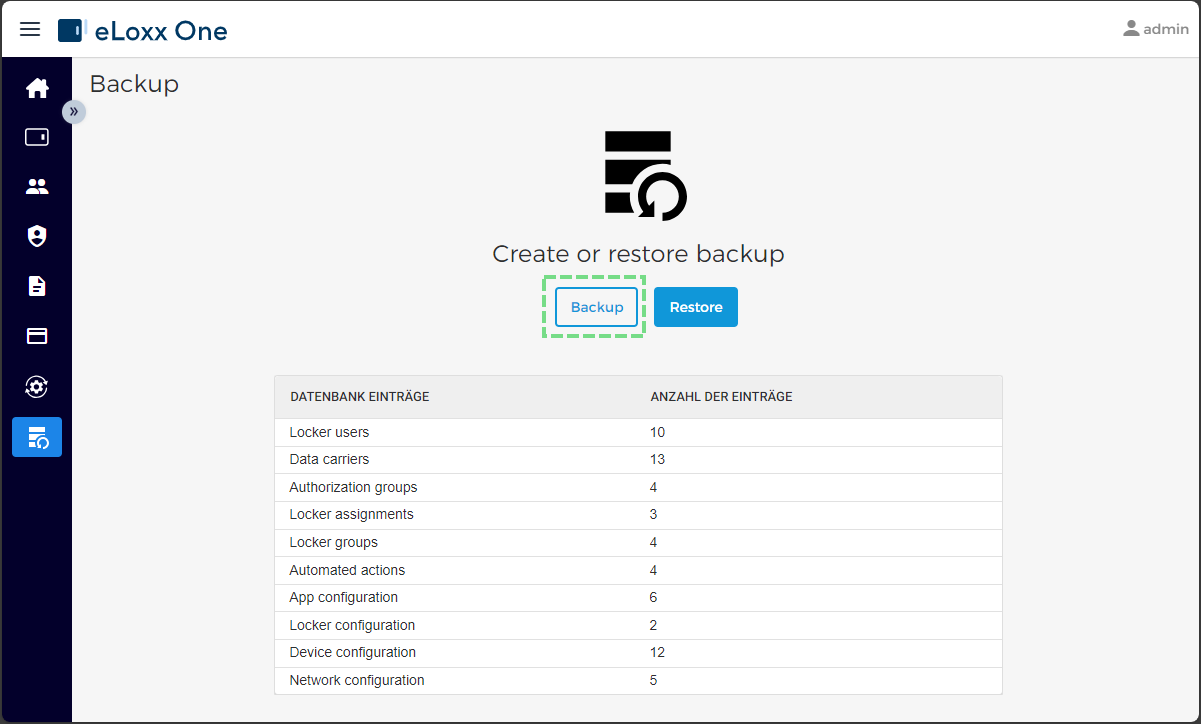
Click on the button Backup.
↪ The data of will be exported into different JSON files (one file for each data category) and downloaded into standard download folder (see browser settings). The download happens as a ZIP file where all JSON files are packed.
Save the downloaded ZIP backup file into a save location for later use. The backup can be restored (see topic "Restore eLoxx One database with a previously saved backup").