5.3. How can I find a specific locker?
All lockers in the system are displayed and managed on the "Locker view" page, which is accessed via the menu sidebar.
Open the "Locker view" page.
If you know the locker group that the desired locker is assigned to, click on the group in the structure tree on the left.
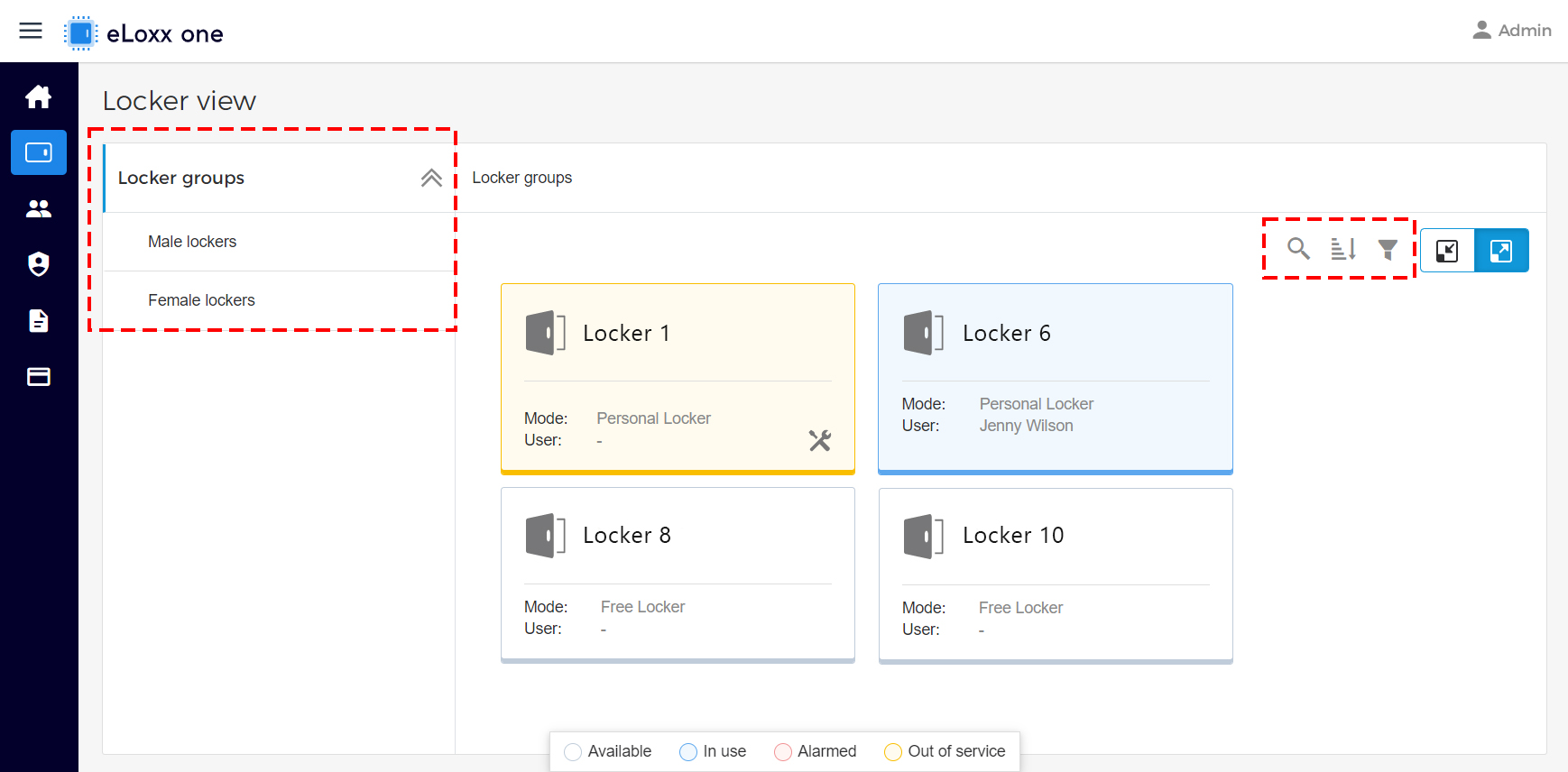
The lockers are sorted by locker number. By clicking on the
 icon, you can reverse the order (highest locker number first).
If you do not know the locker group to which the locker belongs, select an area where the locker is probably located or select the “Locker groups” entry at the top of the structure tree and then click on the search icon
 and enter the desired locker number.