5.16.1. Assigning authorization groups via the "Authorization groups" page
Open the "Authorization groups" page.
↪ All defined authorization groups are displayed.
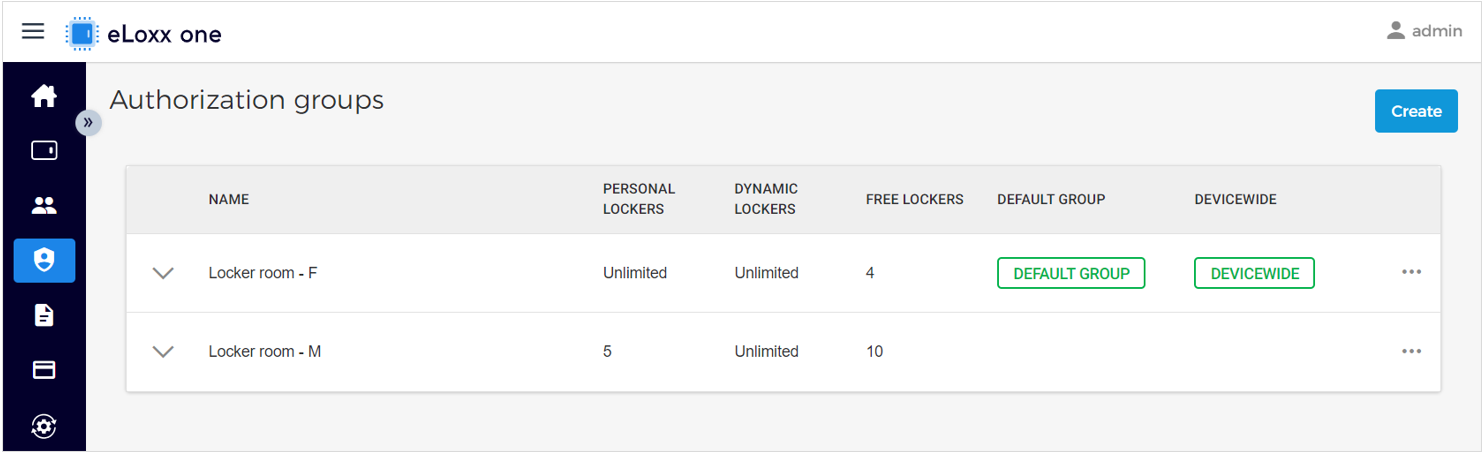
Click on the desired group and switch to the "LOCKER USERS" tab.
↪ The following windows is displayed.
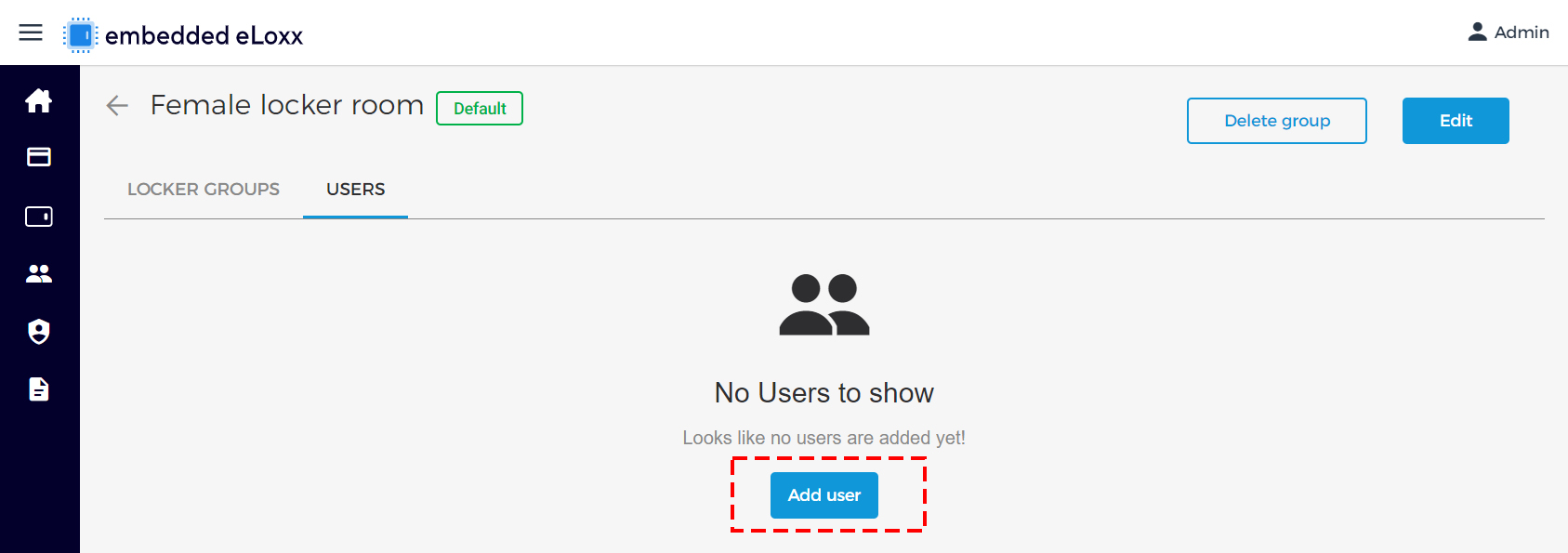
Click on "Add user".
↪ All defined locker users are displayed.
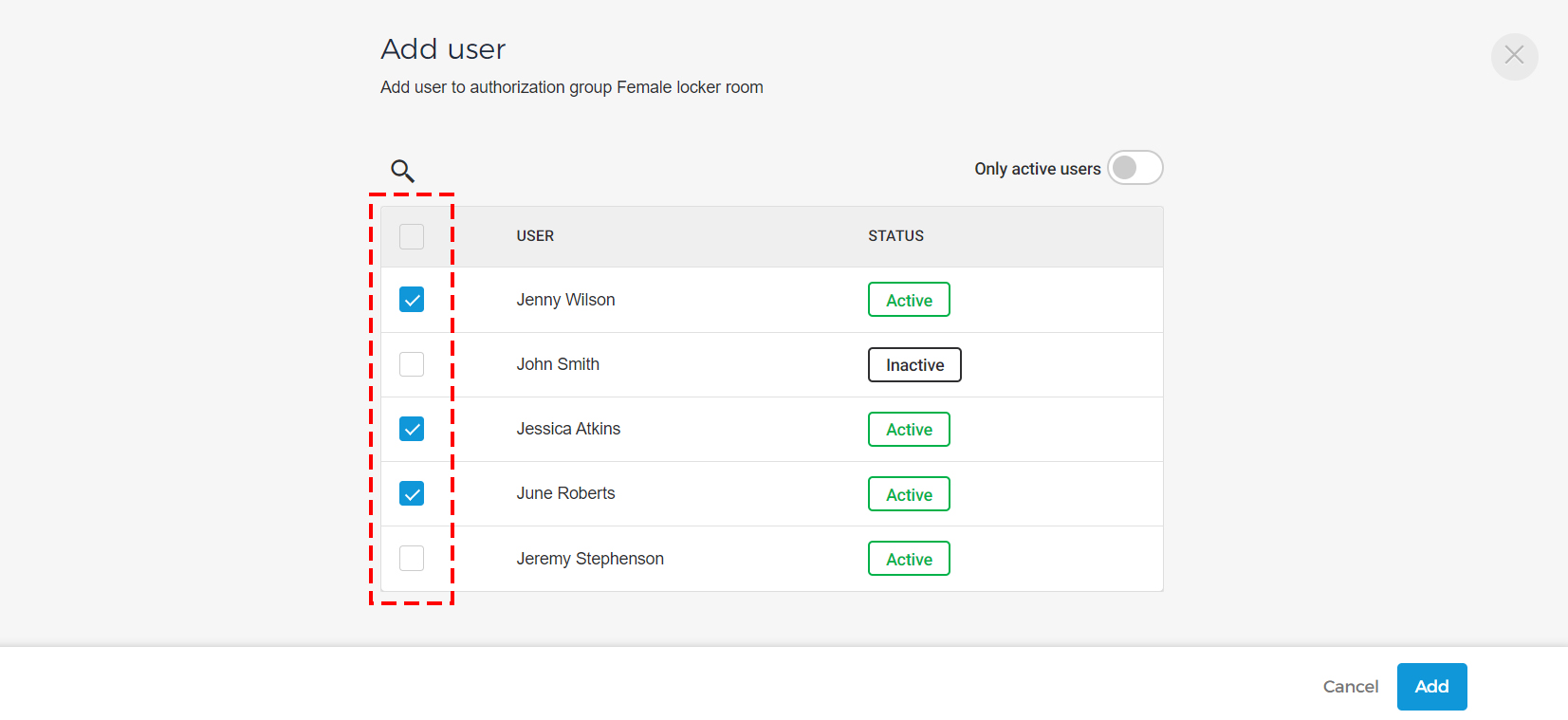
Select the locker user(s) to assign to the authorization group.
Confirm by clicking on "Add".
The assigned locker user(s) are displayed on the "USERS" tab.
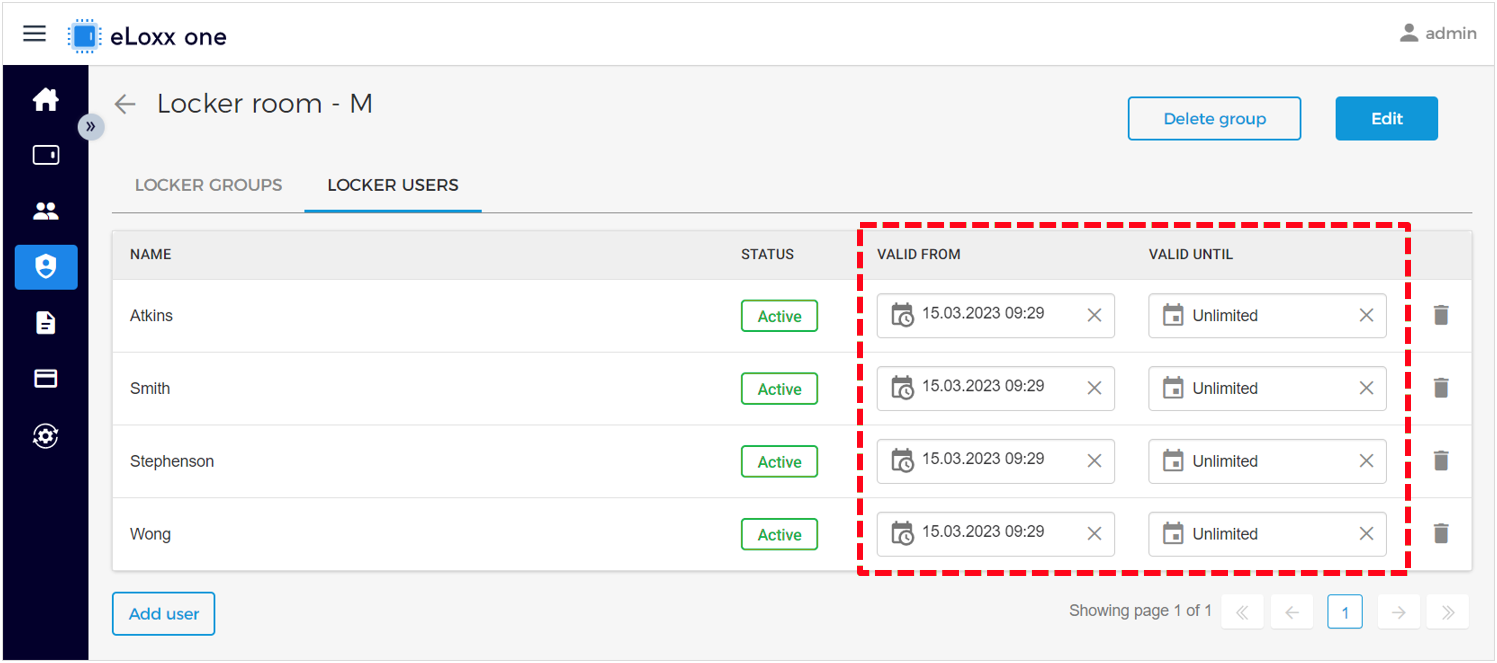
A validity period can be set for each user that defines when they can use the locker system. If the validity period expires, the user can no longer use the lockers of the locker groups within the authorization group.