4.1. Logging in / Logging out
The login process is completed automatically after clicking on the “Open eLoxx one“ button in the GC7 web interface. To maintain security, it is recommended to log out of eLoxx one when you have finished using the application.
To log out of eLoxx one, click on the username in the top-right corner and select "Log out" from the menu.
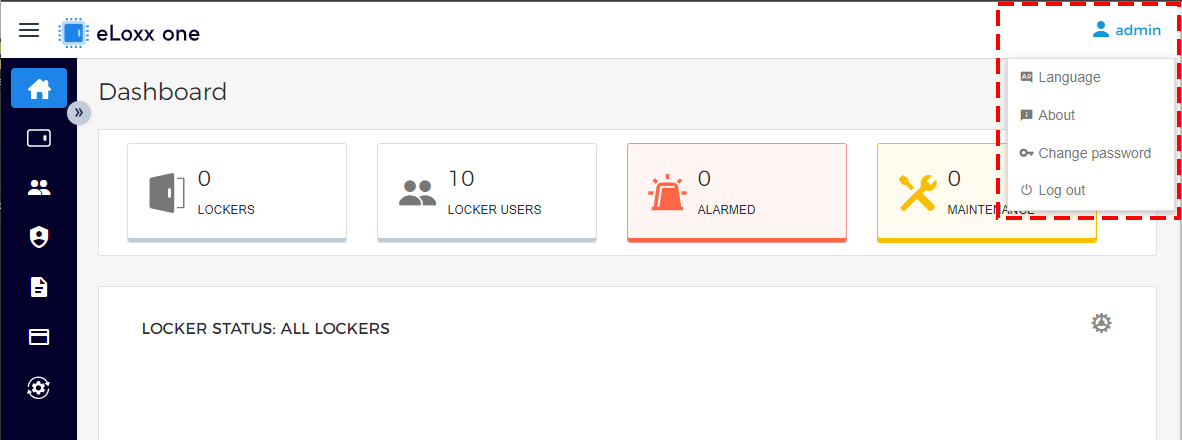
↪ The login screen is displayed.
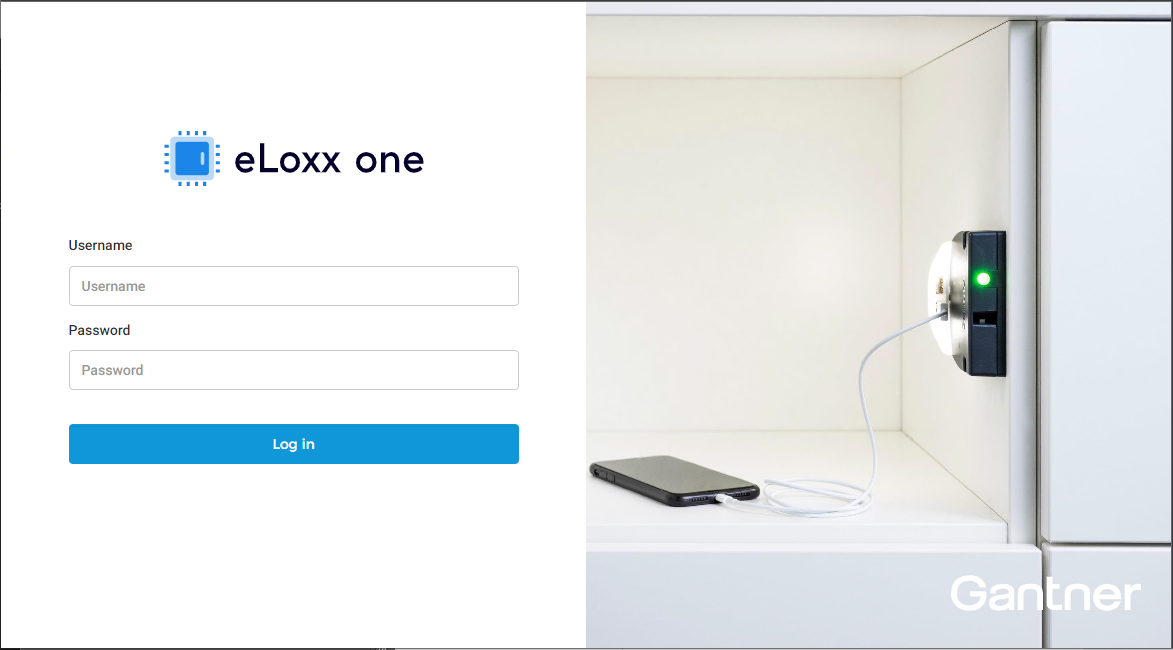
To log in to eLoxx one, enter your username in the "USERNAME" field and your password in the "PASSWORD" field.
Note: Ensure to enter your login details correctly as the input fields are case sensitive.
Click on the "Log in" button.
Notice
The login details are the same as those used to log in to the GC7 web interface and are defined on the “Security and user” page under “Device Configuration” of the web interface. See the GC7 manual for more information. Ensure to change the default login details after the initial login!