5.10. Deactivating and reactivating locker users
If you want to remove the authorization for a user to use the lockers, complete the following steps:
Open the "Locker users" page.
↪ All defined locker users are displayed.
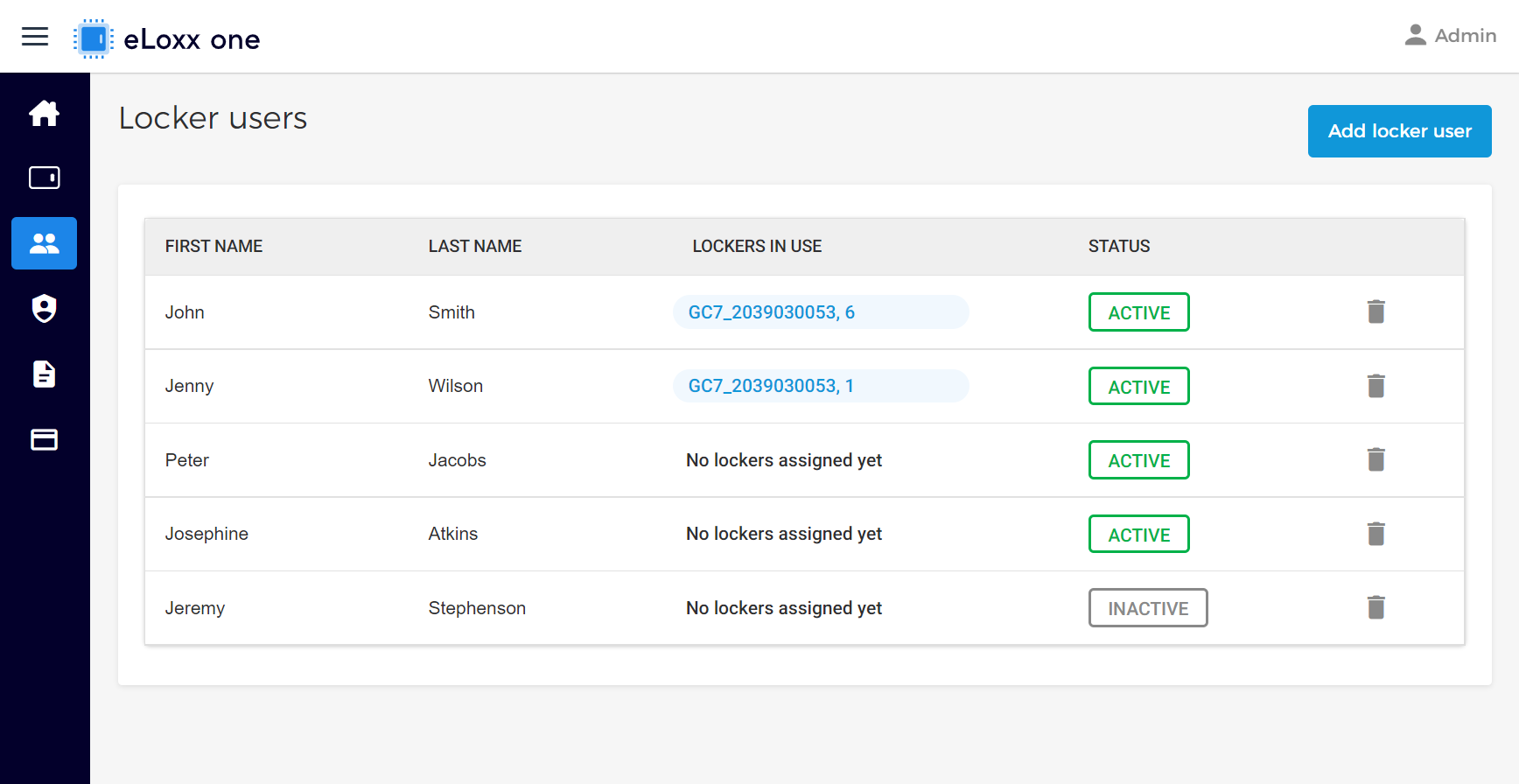
Click on the desired user in the list.
↪ The user information window is displayed.
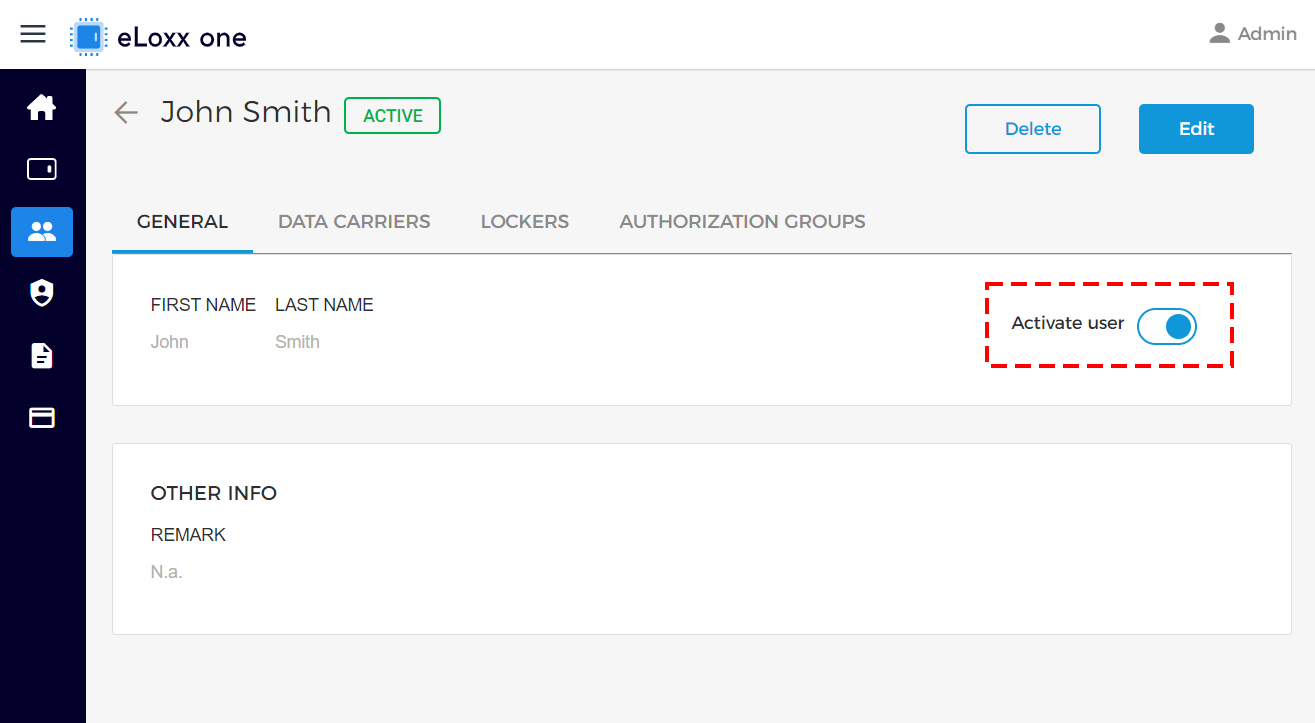
Toggle the “Activate user” switch to allow or disallow the user from using the locker system.
Click on “Yes” in the configuration window to complete the action.
↪ The “STATUS” column shows which users are currently active or inactivate.
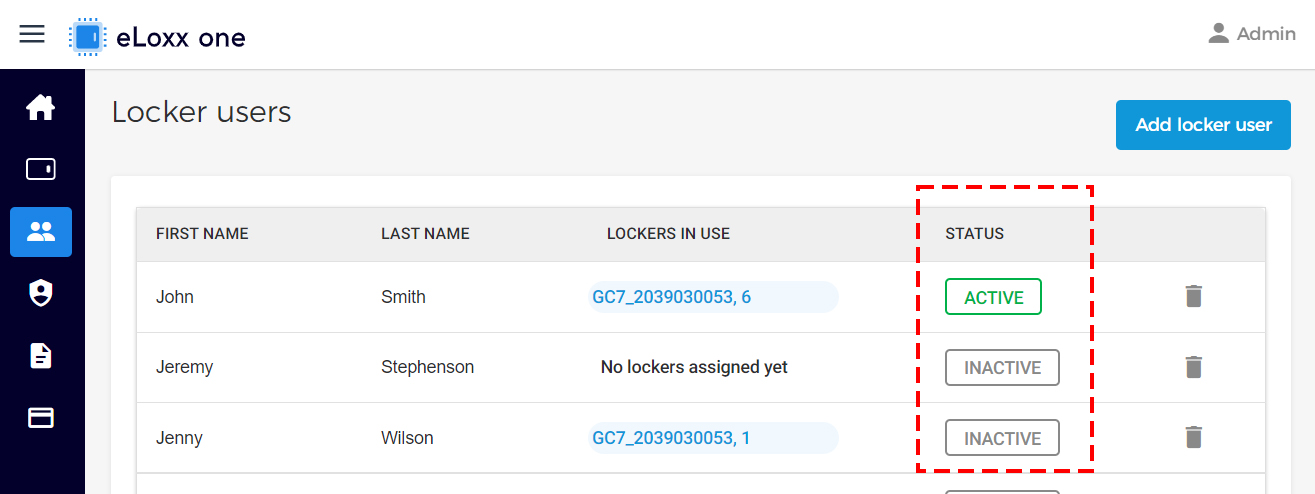
↪ Deactivated users are no longer authorized to use the lockers. The assigned personal lockers can also no longer be used.
↪ If a locker is still being used by the user (locked), the user can no longer open this locker. The locker can be opened, e.g., using a MASTER data carrier.